Run Claude Code, Codex, Cursor, and OpenCode from one window. Git version control, browser access, 28 diagram types, persistent AI memory, and isolated branching. Close everything else.
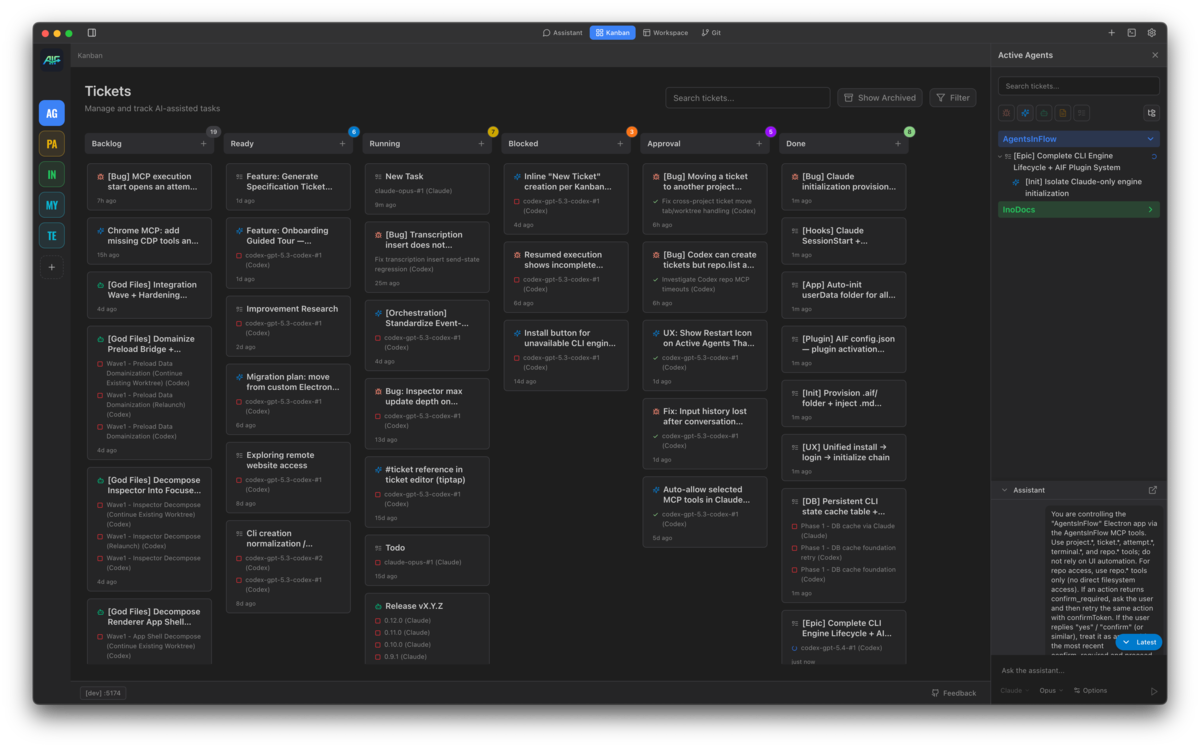
// every feature solves a real problem
Nothing was added speculatively. Each capability exists because something was broken in daily AI-assisted development. Here is what we solved, and how.
// the first problem
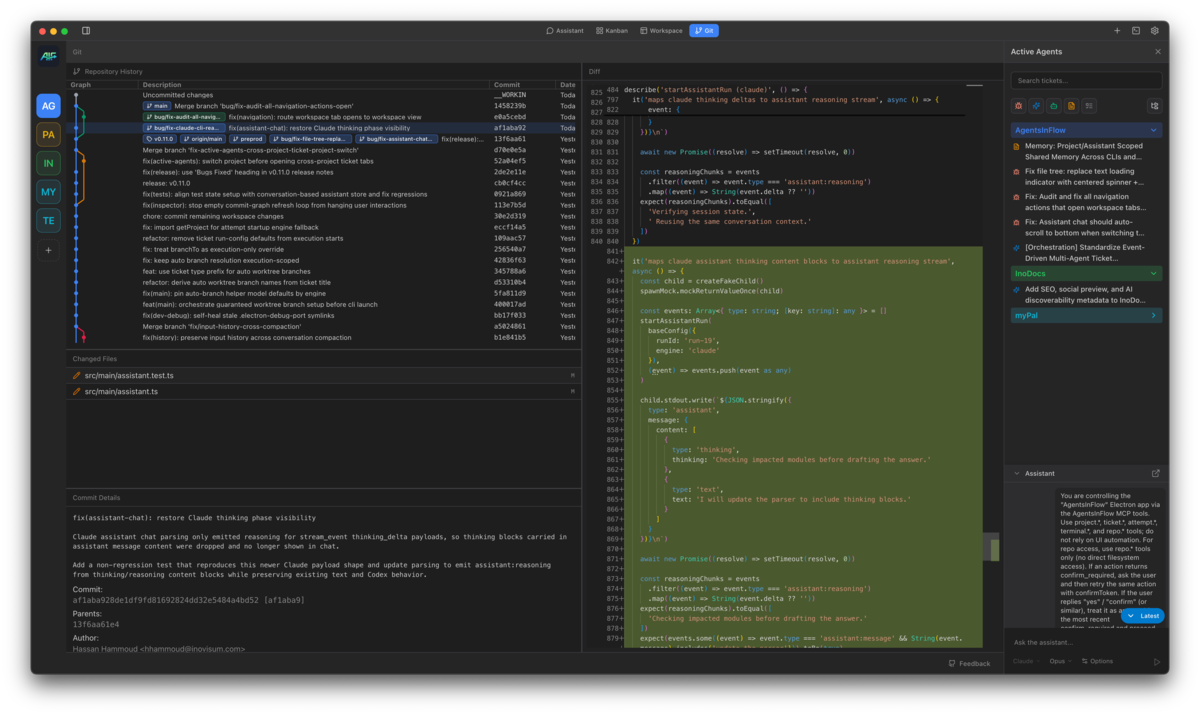
Working across multiple projects, personal and professional, meant Cursor in three windows, a dozen terminals, SourceTree for git, and constant context switching between all of them. The goal was simple: consolidate everything into one workspace with just what you need. No plugins, no noise.
What was built:
// code became a black box
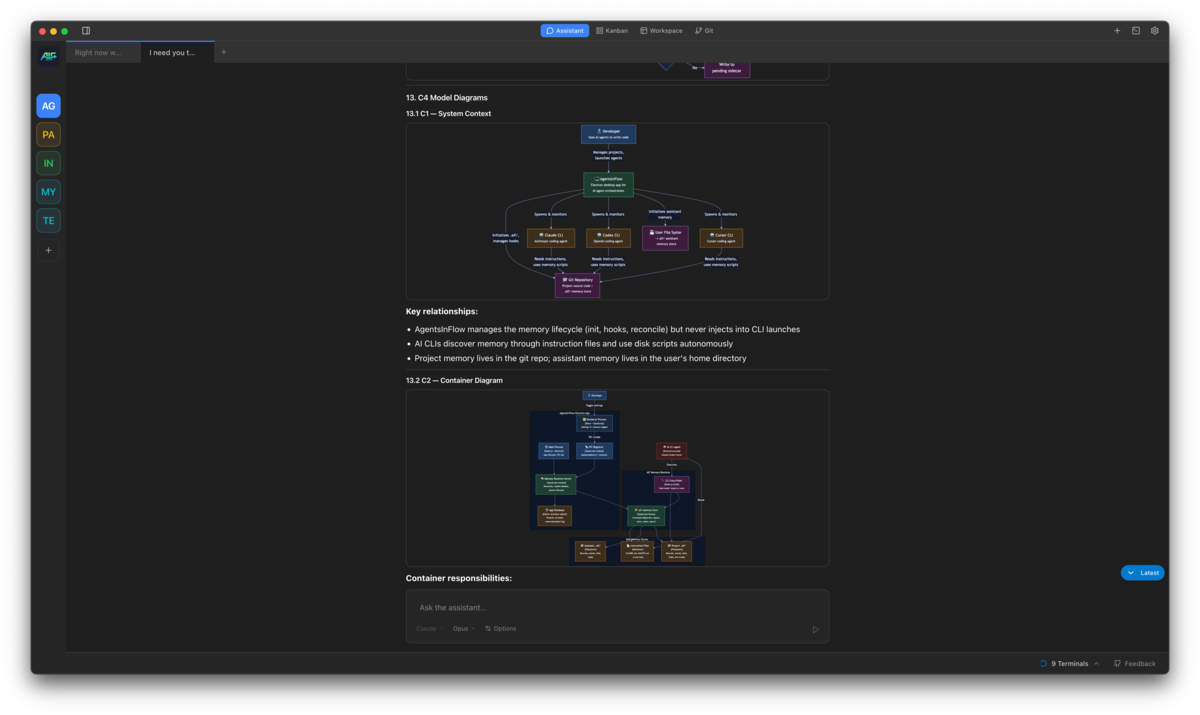
With the latest models, you no longer review code line by line. You review by asking targeted questions. But when something gets too complex to understand through text alone, you need the AI to communicate visually. That is why diagrams were added: to give the AI a way to show you what it built, not just tell you.
What was built:
// ideas move faster than typing
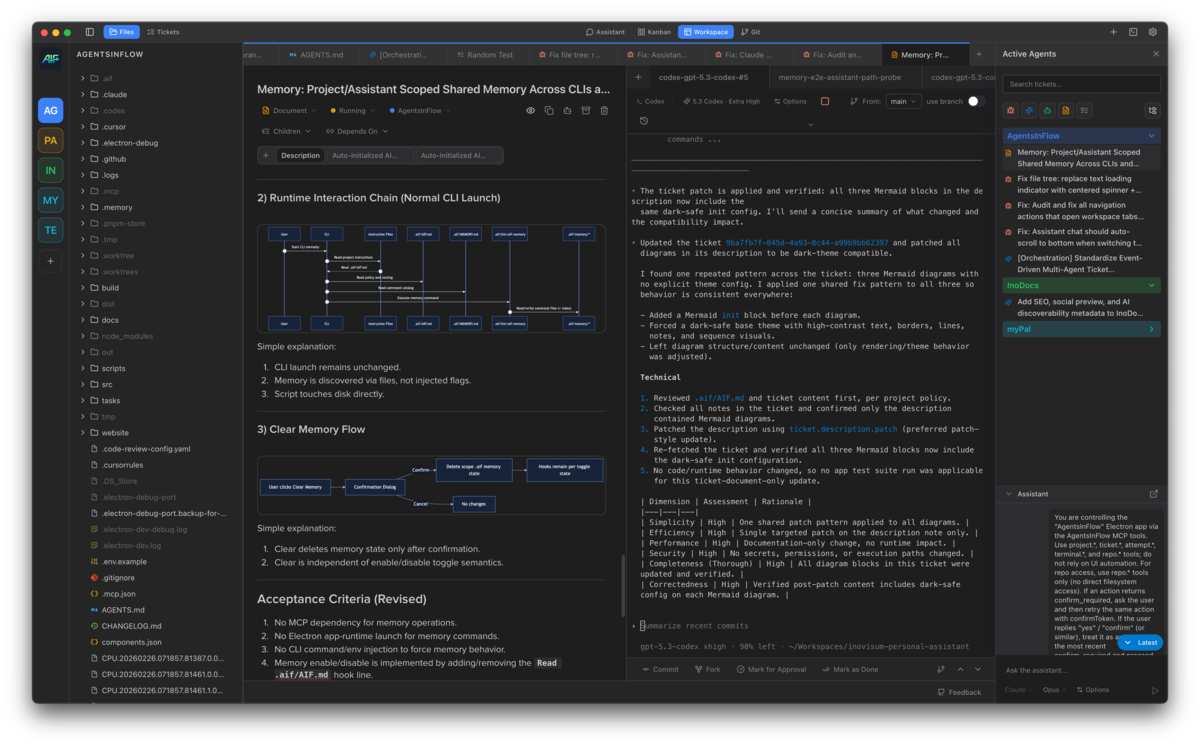
If your mind generates ideas faster than your hands can type, you need tools that keep up. A new task should be one shortcut away. When even a shortcut is too slow, just speak. But a raw transcript is too shallow for an agent to execute. So the assistant takes over: it turns your rough idea into a proper ticket with a detailed description, creates it, and you can forward it to an agent immediately.
Capture fast:
Then let the assistant handle the rest:
// multiple agents, one branch = disaster
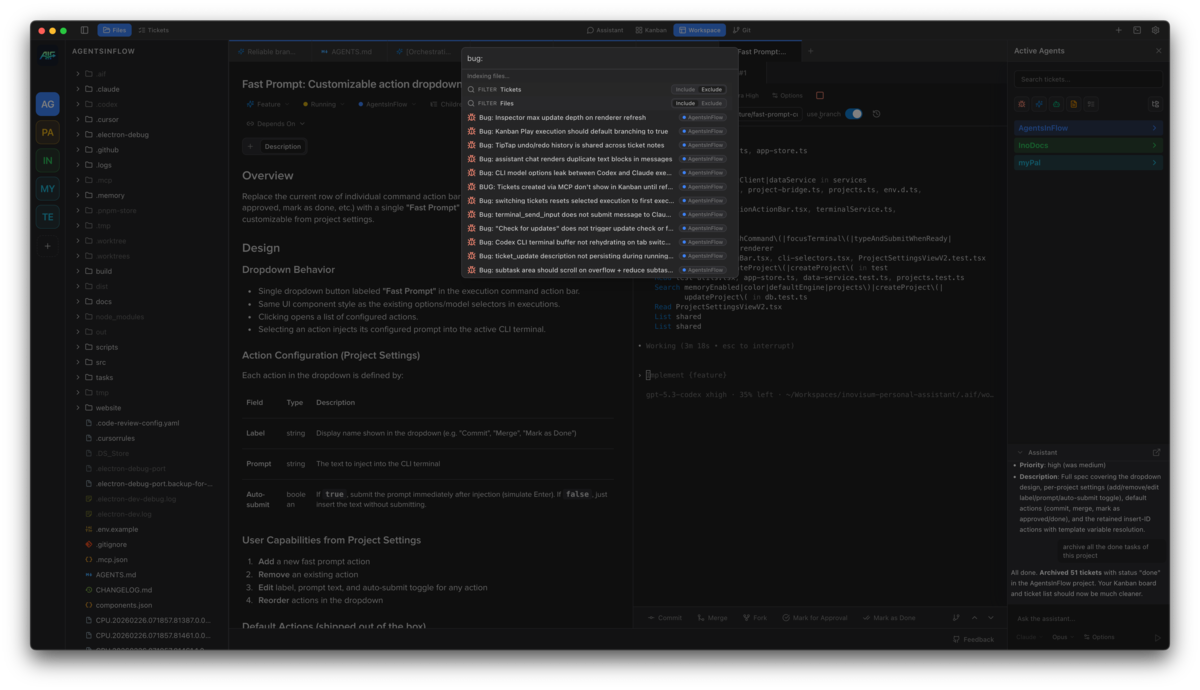
When you have multiple agents working at the same time, they cannot all be on the same branch. They will overwrite each other. So a proper branching system was needed: isolated worktrees where each agent gets its own branch, with memory propagation and manual merge-back when you are ready.
What was built:
// the agent runs, you are somewhere else
Agents do not wait for you to be at your desk. One finishes while you are in a meeting. Another needs a quick nudge while you are on your phone. Sometimes you walk into a client's office and want to kick off work from a laptop you cannot install anything on. So remote access was added: open the same workspace from any browser, on any device, through a tokenized gateway you control.
What was built:
--remote launch mode so the gateway runs only when you need it, no daemon sitting on your machine waiting for the internetThe machine stays yours. Tokens expire. Nothing phones home to a vendor cloud.
// agents forget everything between sessions
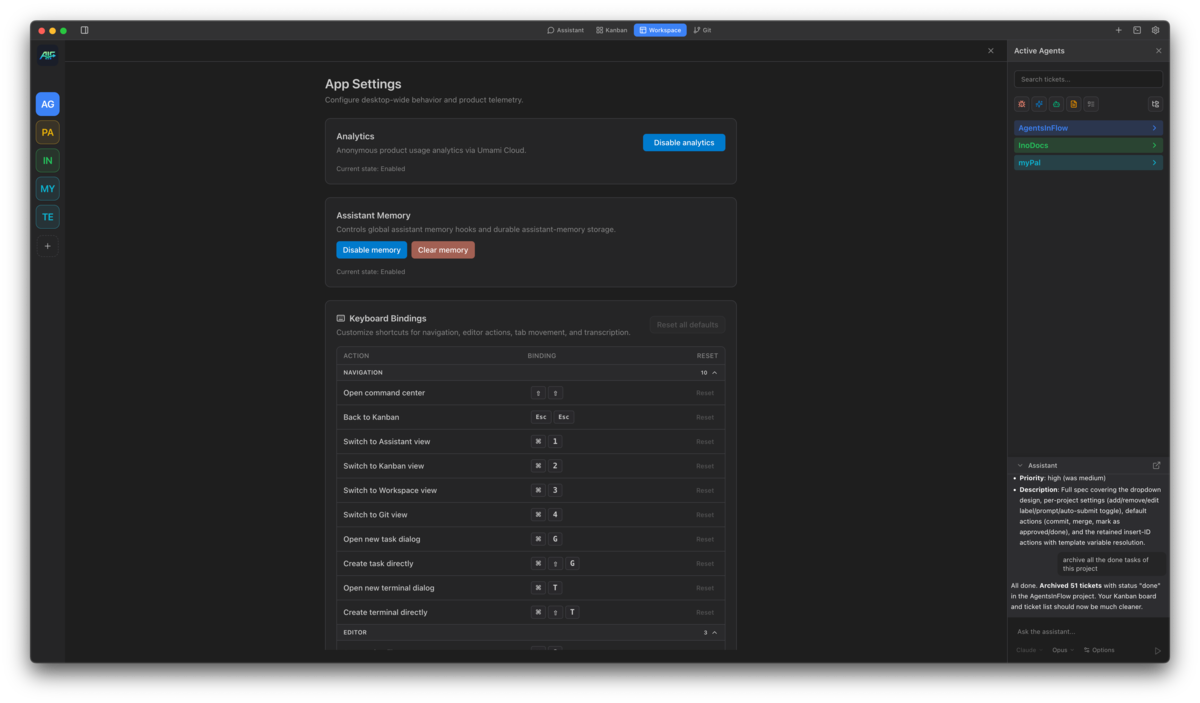
Every time you start a new session, the agent starts from zero. All the context from yesterday, the decisions, the constraints, the architecture, gone. So persistent memory was added: per-project and per-assistant, stored locally in .aif/ and carried across every session.
What was built:
// switching apps for each engine is friction
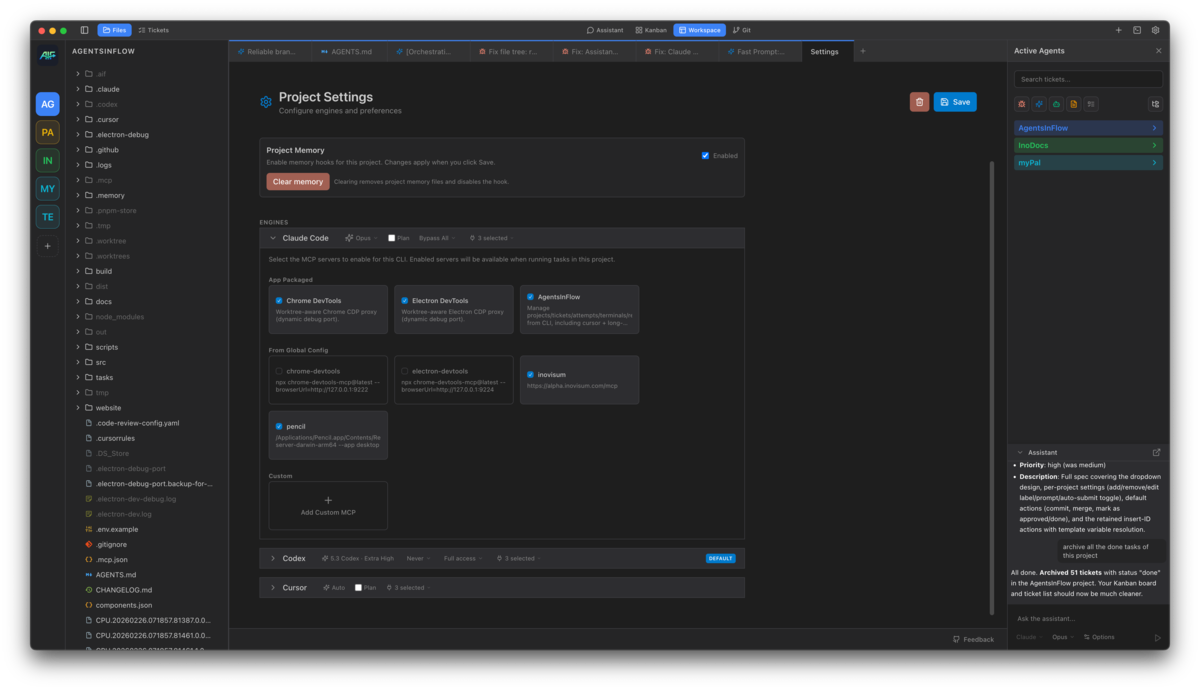
Claude Code, Codex, Cursor, and OpenCode each have their strengths. You want to use all of them without switching applications. One ticket can now have multiple executions on different engines. Run the same task on Claude, Codex, Cursor, or OpenCode, compare the approaches, keep the best one.
Underneath the engine choice there is a harder problem. Three of those four engines phone home to a single vendor. If that vendor changes pricing, removes a model, or throttles your account, every workflow that depended on it is stuck. OpenCode is built for the operator who refuses to let that happen. It speaks to over 75 providers, it points directly at local Ollama models running on your own machine, and the key you bring is yours to rotate or replace. Model independence is not a perk tacked on at the end. It is the whole reason OpenCode is in the list.
What was built:
Your execution layer stays independent. Your keys stay yours. Your models can live on your own machine.
// complex projects need structure
A flat list of tasks does not scale. Complex projects need hierarchy, dependencies, and visibility into what blocks what. Task hierarchy replaced flat subtasks. Dependencies enforce execution order. Sub-ticket executions are grouped under their parent. And this is just the first layer.
What was built:
// nobody had cron for agents
"I wanted to schedule an AI agent like a cron job and nobody had that." That is the gap. You write a ticket once. You want it to run every morning at 6 for the backlog pass. Or every Monday for the competitor scan. Or once, next Thursday, because that is when the campaign launches. No workspace treated tickets as jobs you could hand to a scheduler. So schedules were wired directly into the ticket inspector.
What was built:
No new scheduling system to learn. The ticket you already wrote is the job.
// more of what it looks like
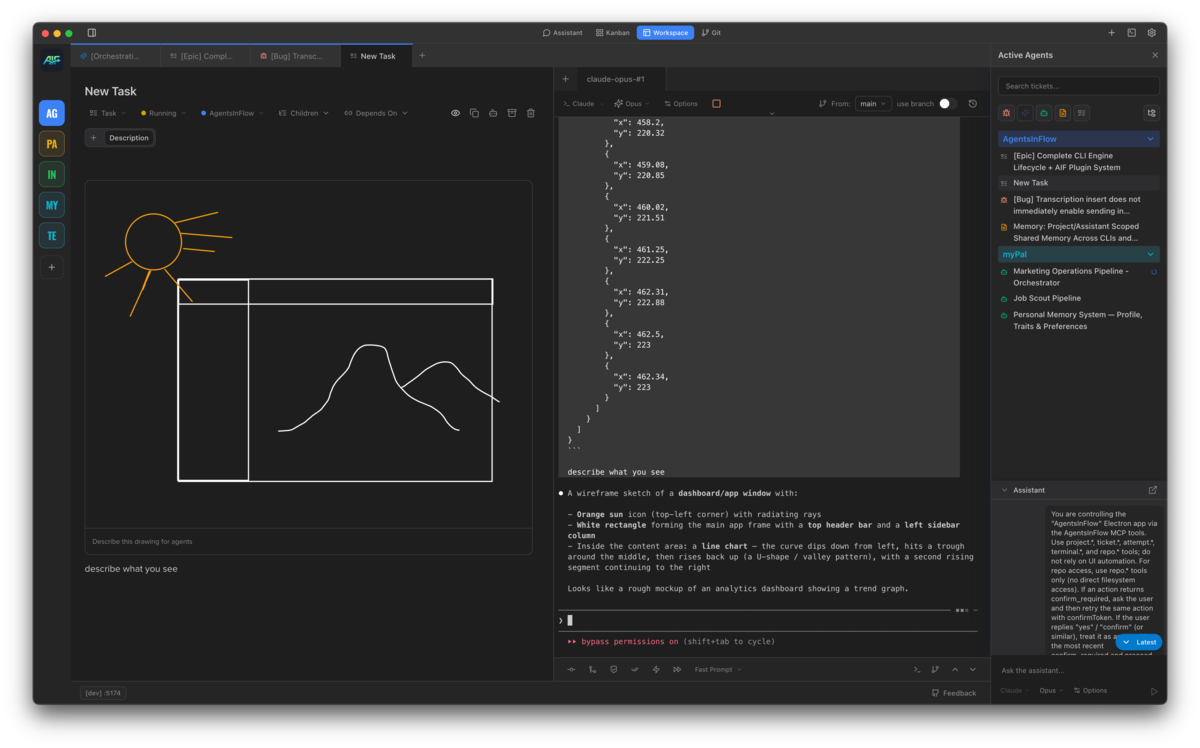
Sketch on the canvas, then ask the AI to describe what it sees
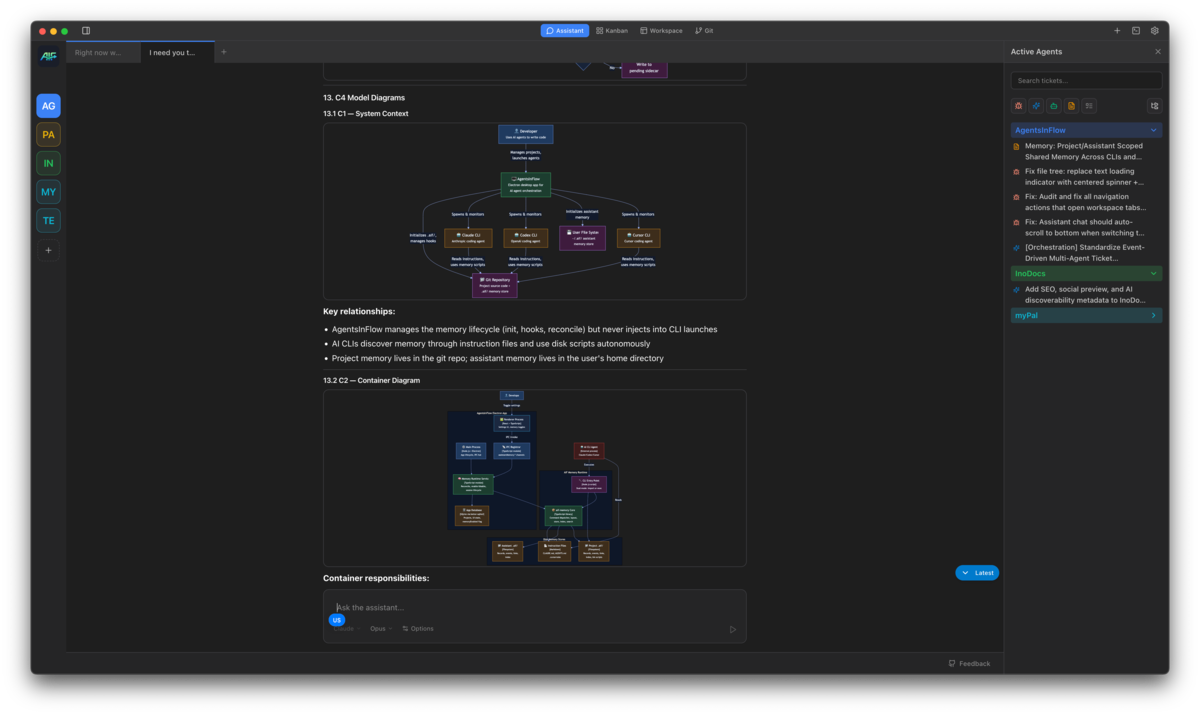
Assistant generating C4 System Context and Container diagrams
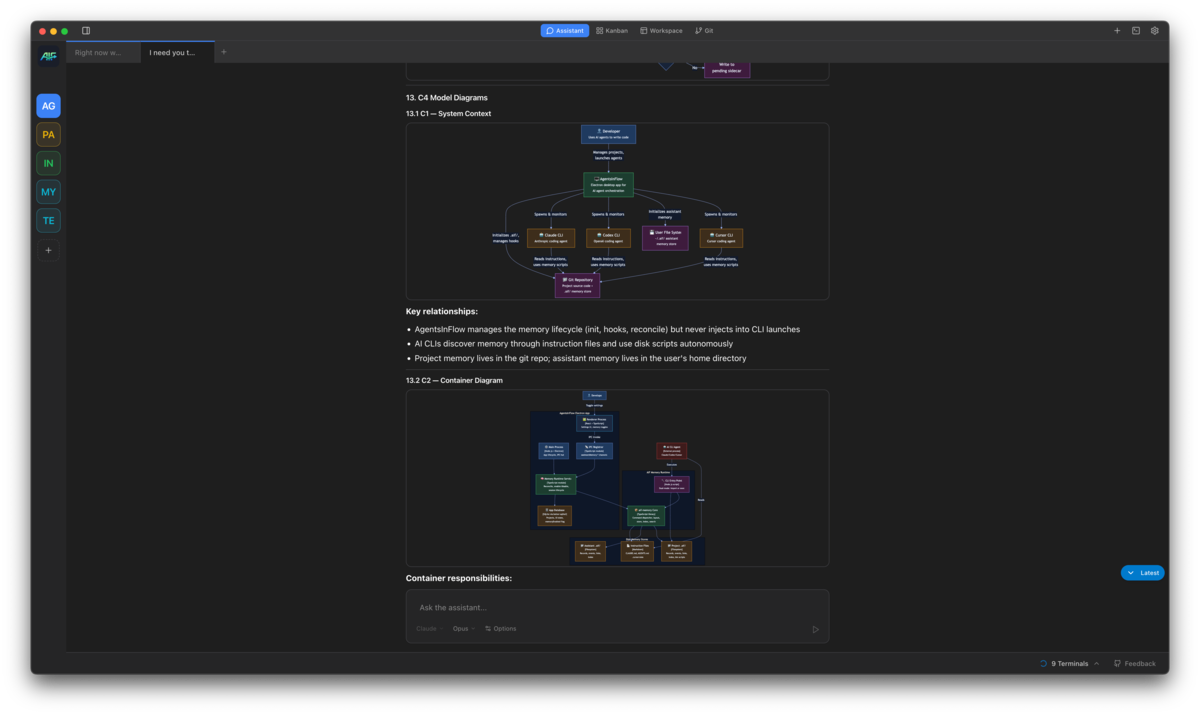
C4 Container diagram showing the full system architecture breakdown
// where we are now
One window. Git version control, file explorer, terminal, rich editor, kanban board, 28 diagram types, voice input, persistent memory, four AI engines, and full orchestration. Close everything else.
AI Engines
Diagram Types
Window Needed
Other Apps
Free during beta. We'd love your feedback and feature requests.